Gaming Mice

CORSAIR CUSTOM LAB

Your mice, your way
The following checkbox filters the results when checked

Gaming Mice

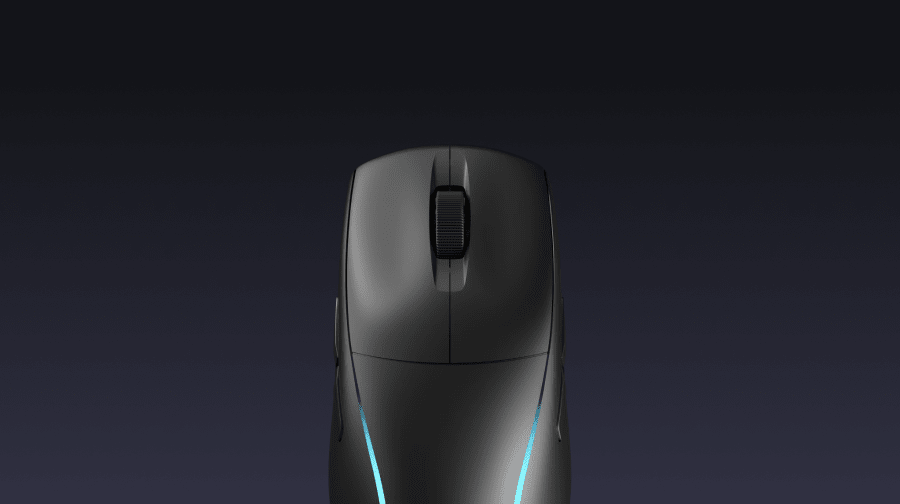
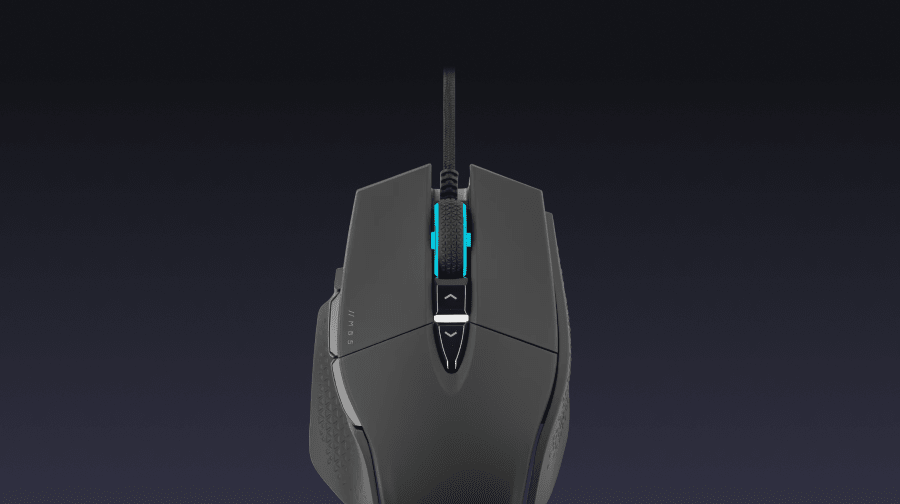
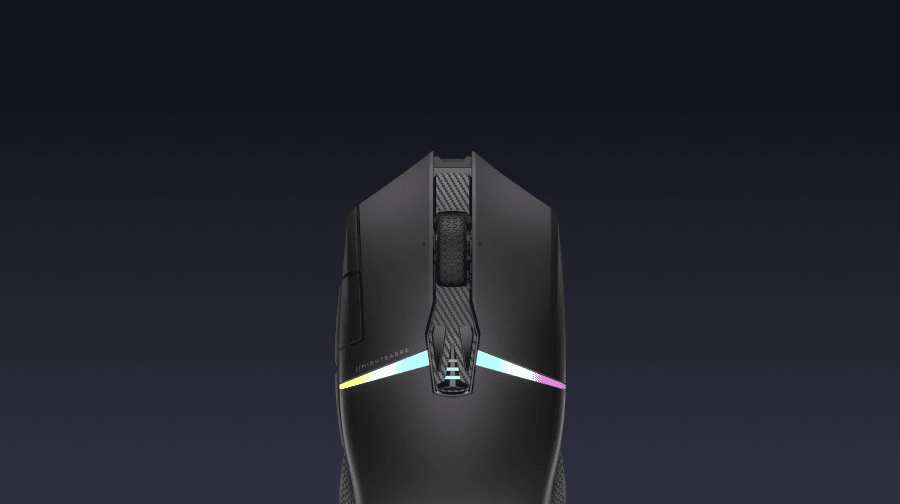
Make your move with CORSAIR gaming mice, delivering the speed and precision to always come through when it matters most. Featuring a wide selection of gaming mouse shapes and button configurations for any game genre, CORSAIR has the best gaming mouse for any grip, hand size, or play style.

What to look for in a gaming mouse

Gaming mice are truly personal devices. So how do you choose the best gaming mouse for you? Here’s what to consider:

  • Connectivity:Opt for a wired mouse for speed, or a wireless mouse for convenience
  • Precision (DPI): How much ‘resolution’ a mouse’s sensor has. Gaming mice tend to range between 12,000 and 26,000 or more.
  • Construction and comfort:Are you a righty or a leftie? Do you prefer a light mouse with less friction? Choose between palm-, claw-, or fingertip-style grips.
  • Connectivity: Wired, 2.4 GHz wireless, or Bluetooth
  • Design: If you love RGB, consider how many accent lights and how much customization is available

What’s the difference between a gaming mouse and a normal mouse?

While a gaming mouse can be used for regular productivity, there are features it supports that make it really the ideal choice for “serious” gaming. One key difference is the speed and resolution of the tracking sensor. Even the best office mice tend to max out at 8,000 DPI, whereas gaming mice offer a minimum of around 16,000. Gaming mice also tend to be designed with lighter, lower-friction frames. These factors give you better movement and aiming while in-game.

What to look for in a storage device

Storage devices can seem quite simple, but there are actually more than a few considerations to make sure you end up with the right one.

  • Capacity: Go for 500GB to 1TB for smaller applications, or up to 4TB for plenty of headroom.
  • Form factor and compatibility: Most modern PCs use M.2 slots, but check the size to make sure it’ll fit in your PC or external enclosure.
  • Transfer protocol: External drives use USB and USB-C protocols, which make for different speeds and performance.
  • Design: Choose your color, RGB capability, and more.

What is an SSD and is it the best option for PC storage?

An SSD is short for “solid state drive,” which refers to the type of technology used to create the components on which data is stored. There’s a lot at play under the hood, but the key distinction is that it’s different from the moving parts and mechanical components of a hard disc drive (HDD). This ultimately makes SSDs faster and less prone to failing due to mechanical breakdown.

Those faster speeds mean that you’ll be able to call up programs and files faster than with traditional HDDs—to help your PC feel faster. SSDs are also fairly easy to install with the now-common M.2 protocol offering plug-and-play builds.

Want some help determining the right components for your storage needs? Download CORSAIR’s system scanner for tailored recommendations.

What to look for in a mousepad

A mouse pad is more than just a piece of cloth to put on your desk. Here are a few other things to consider:

  • Top materials: Ensure smooth, low-friction surfaces for the best sensor performance
  • Bottom materials: Go for textured rubber bases so the mouse pad stays put on your desk
  • Size: The classic small-sized mousepads are great for minimal setups, but large desk mats can give you a wider area of use
  • Design: From RGB sidelighting to uniquely licensed layouts, designed touches can help your desk mat stand out

Do you need a mouse pad or desk mat?

It’s important to consider whether you need a desk mat. These days, many mouse sensors work just fine on a desk surface. What you lose in that scenario is feel and precision. A desk mat gives a sensor an even color and texture on which to track, and it also makes it feel more consistent as you’re moving your mouse around. If you go for a larger mat, it even gives you a soft place to drop accessories and your wrists.

What to look for in a docking station or USB hub

As with any peripheral related to your PC, there’s a lot to consider when choosing the right dock or hub for you.

  • Ports: First, look at how many ports and what types are available—USB (A or C), thunderbolt, HDMI/DisplayPort, ethernet, headphone jacks, and more.
  • Computer connection protocol: Make sure there’s a matching input on your computer, and go for Thunderbolt for the most transfer bandwidth.
  • Display needs: Check if you need 4K, high refresh rates, or multiple displays.
  • Form factor: Do you want a true dongle that can travel with you, a single adapter cable, or a full-on desktop dock?

Are USB hubs fast and good enough for gaming?

It’s important to consider transfer speeds and focus on mitigating lag if you’re working on a gaming setup. A USB hub can be a great solution for quickly connecting to all your peripherals, but it can also be a bit of a bottleneck if you’re trying to do too much with it. In general, the best move for speed is to choose a Thunderbolt dock, as this allows the highest transfer speeds to your computer and will handle multiple high-resolution displays, peripherals, receiver dongles, and more. That doesn't mean a high-quality USB-C dongle or dock can’t do the job, though. Take a look at the transfer speeds supported for all USB ports on the dock, and to see what level of display resolution and framerate are supported.

STARTER KIT CONTENTS

QTY
CABLE
CONNECTORS PER CABLE
TOTAL CONNECTORS
CONNECTOR SPACING
TOTAL LENGTH
CABLE TYPE
QTY
1
CABLE
ATX Motherboard (24-pin) - Modular
CONNECTORS PER CABLE
1
TOTAL CONNECTORS
1
CONNECTOR SPACING
610mm
TOTAL LENGTH
610mm
(± 10mm)
CABLE TYPE
Debossed
QTY
1
CABLE
ATX12V / EPS12V (4+4-pin) - Modular
CONNECTORS PER CABLE
1
TOTAL CONNECTORS
1
CONNECTOR SPACING
750mm
TOTAL LENGTH
750mm
(± 10mm)
CABLE TYPE
Debossed
QTY
3
CABLE
8-pin PCIe (6+2-pin) - Modular
CONNECTORS PER CABLE
1
TOTAL CONNECTORS
3
CONNECTOR SPACING
650mm
TOTAL LENGTH
650mm
(± 10mm)
CABLE TYPE
Debossed
QTY
3
CABLE
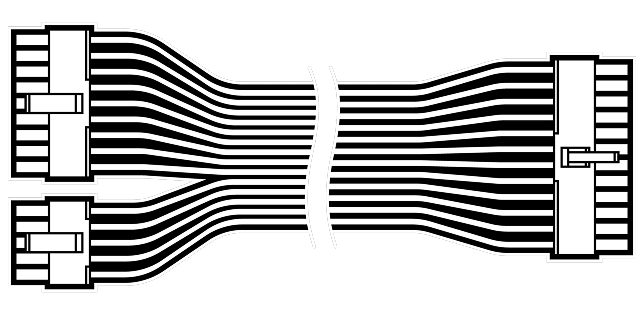
24 Wire Cable Comb
CONNECTORS PER CABLE
-
TOTAL CONNECTORS
-
CONNECTOR SPACING
-
TOTAL LENGTH
-
CABLE TYPE
-
QTY
10
CABLE
8 Wire Cable Comb
CONNECTORS PER CABLE
-
TOTAL CONNECTORS
-
CONNECTOR SPACING
-
TOTAL LENGTH
-
CABLE TYPE
-