UNDERSTANDING RAM
DIFFERENT WAYS TO UPGRADE
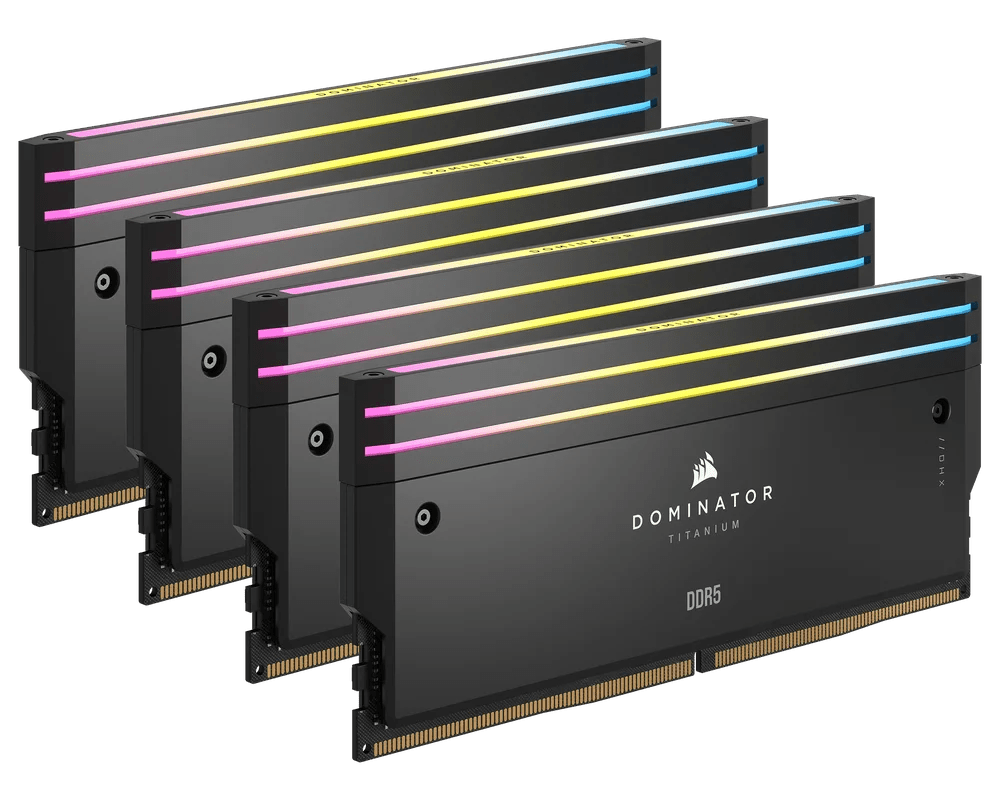
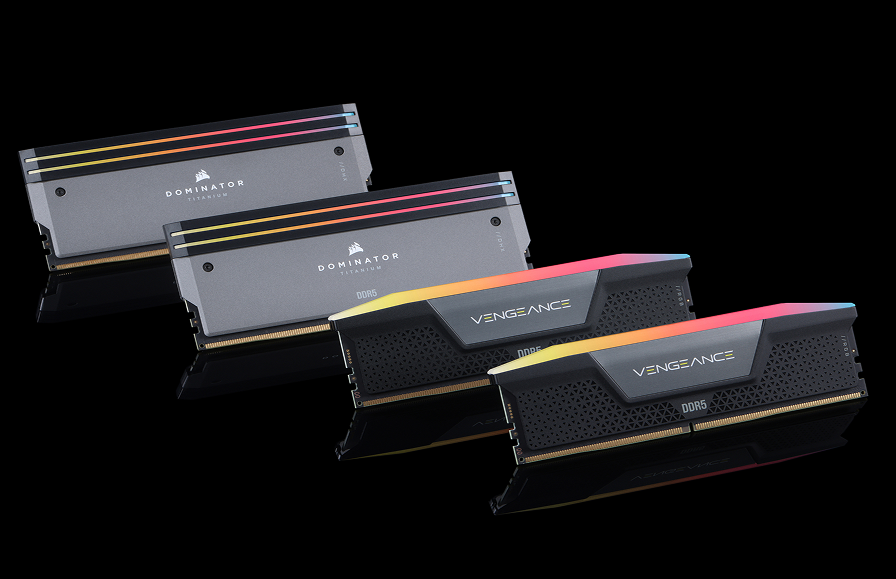
MAKING THE JUMP TO DDR5 RAM
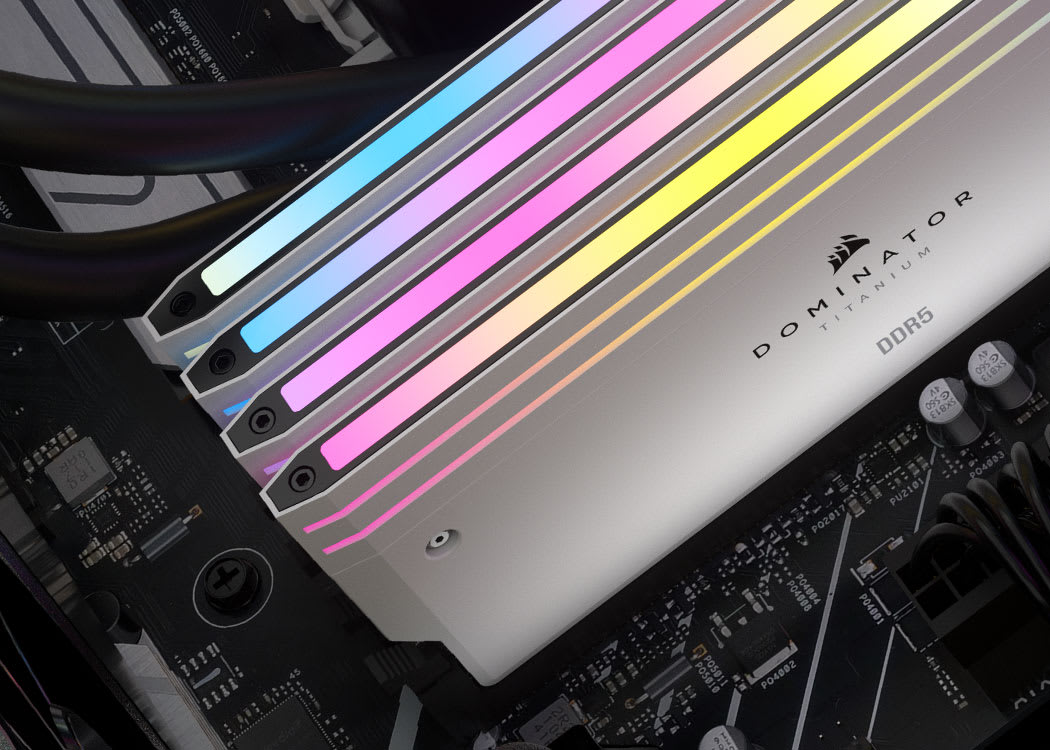
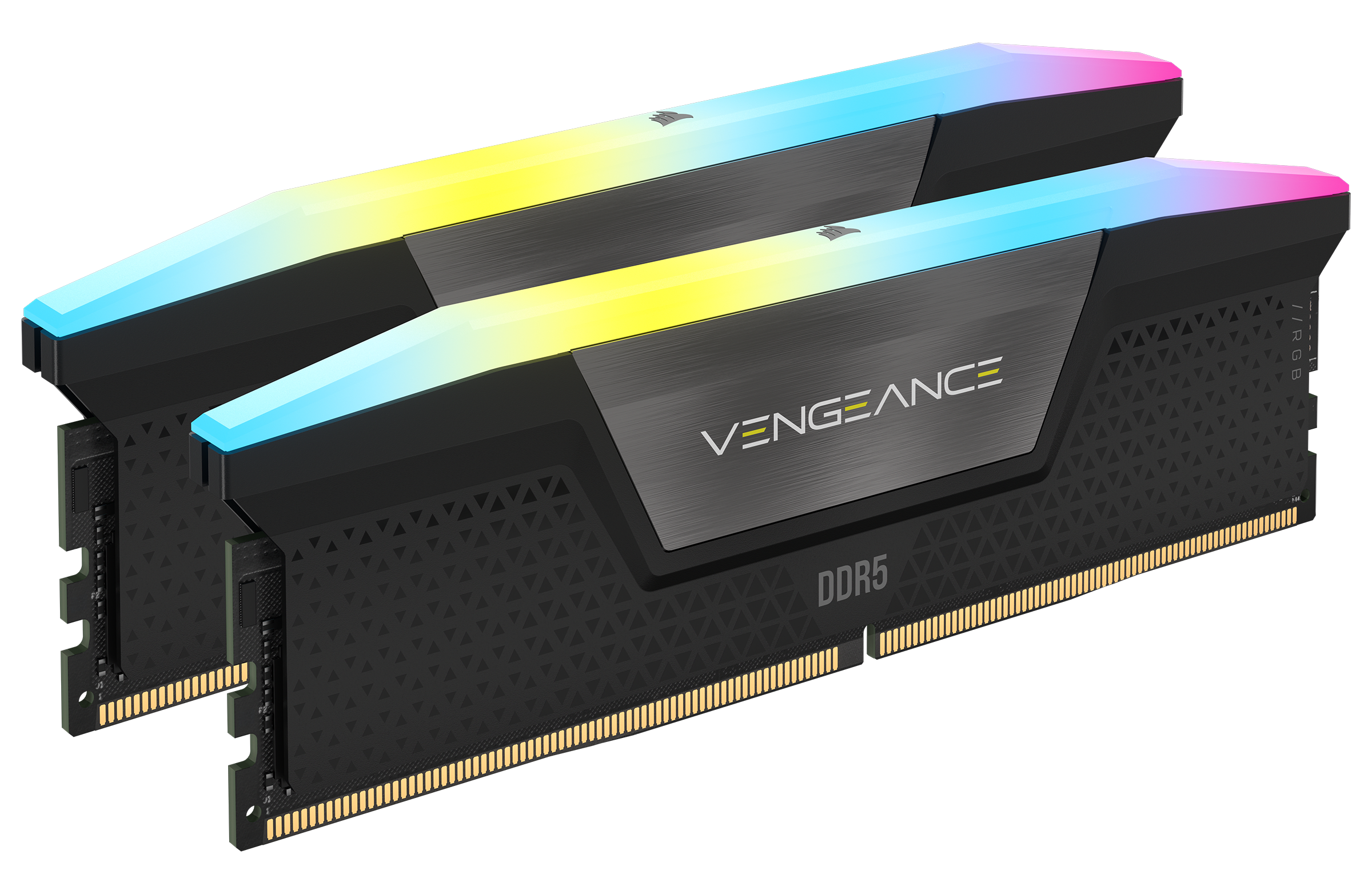
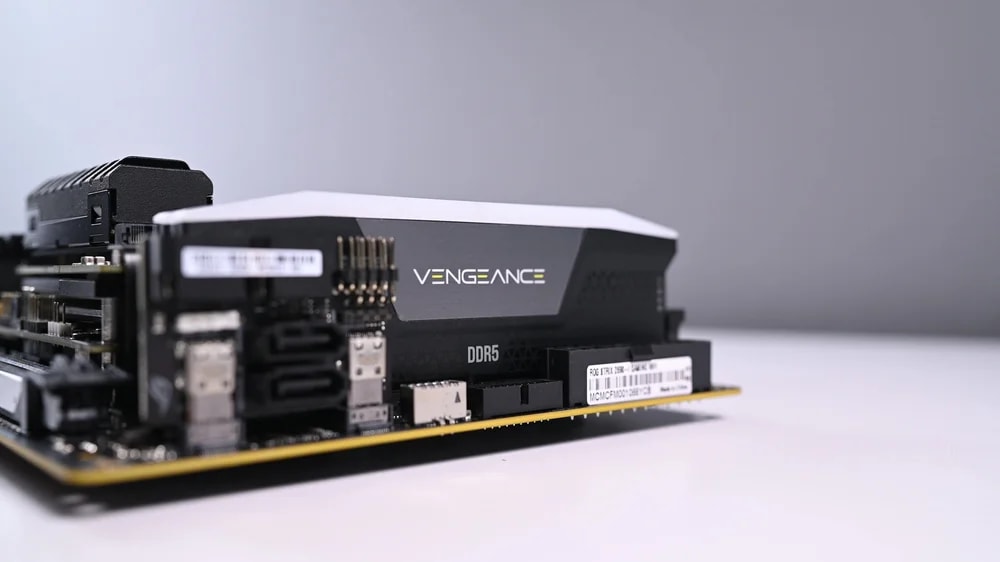
Switching to DDR5 RAM—the newest type of RAM—will improve your PC’s performance in everything from gaming to multitasking. To make the jump, you’ll also have to switch to a DDR5-compatible motherboard.
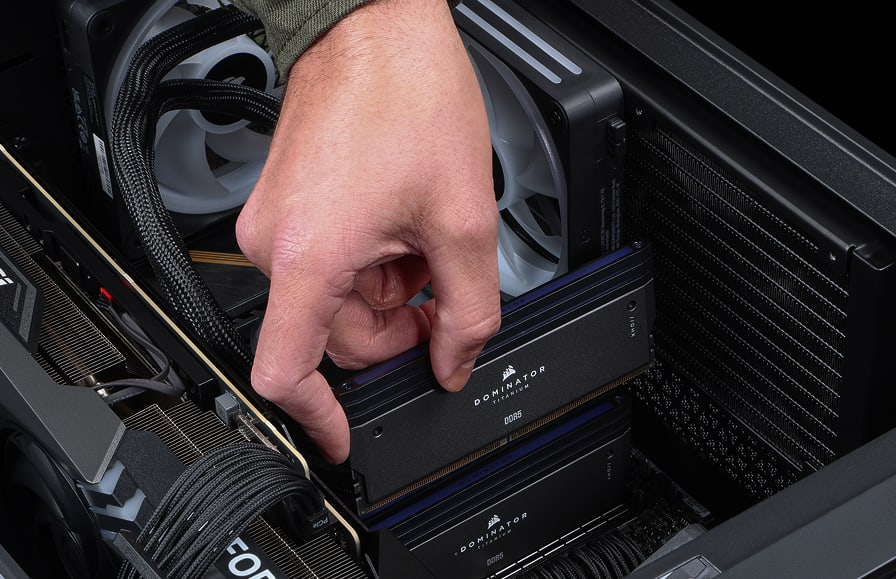
MAXIMIZE YOUR DDR4 RAM
You don’t have to switch over DDR5 to reap the rewards of better RAM. If you’re still using DDR3 or certain DDR4 RAM, you’ll find plenty of top-end, plug-and-play DDR4 options to top out your PC performance.
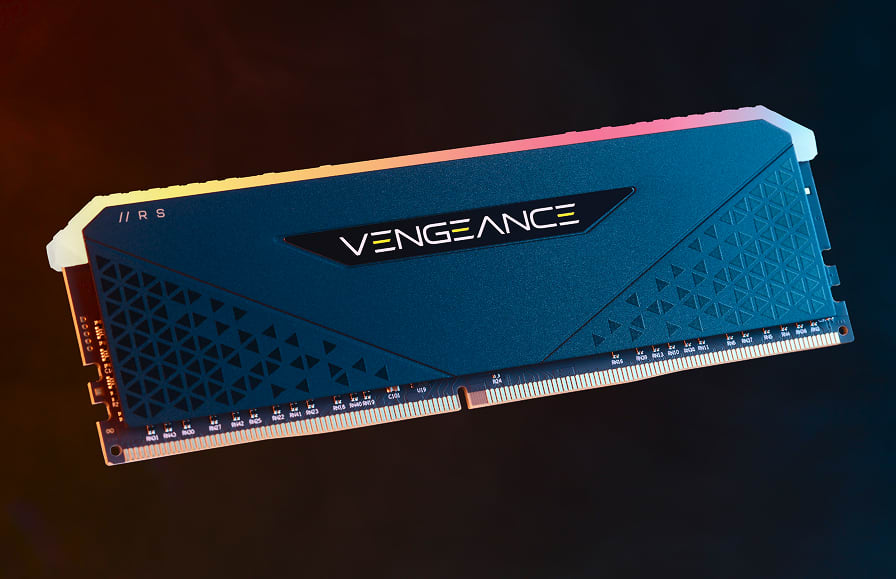
RAM CAPACITY
Measured in gigabytes (GB), RAM capacity refers to the amount of data your RAM can store for quick access—saving your processor from pulling that same data from your hard drive. Larger capacity means larger applications (and more of them) can run smoothly without performance compromises.
RAM SPEED
Measured mostly in megahertz (MHz) and megatransfers per second (MT/s), RAM speed refers to the rate at which your RAM transfers the data to your processor. More speed means more processing efficiency, leading to shorter load times, seamless multitasking, and improved gaming.