PRESSING FORWARD
KEYBOARD SWITCHES
From cozy gamers to ladder grinders, CORSAIR has a keyboard - and a keyboard switch - for everyone. Learn all about the switches at the heart of CORSAIR keyboards, bringing gamers to their comfort place and grinders to the top of the leaderboard.
CORSAIR SWITCHES
THE SWITCH STORY
Since the very beginning, we've obsessed over quality. That's why we're excited to bring you our own premium CORSAIR switch technology, geared to perform for even the most demanding players.
With switches that optimize the speed of each key, provide an excellent responsive feeling as you press down, and produce a satisfying sound of every keystroke, we've crafted a wide selection of switches that offer the perfect sensory experience for you.

WHAT IS THIS SWITCHCRAFT?
Already know how a switch works? Keep scrolling. If you don't, don't worry; we've got you covered. Let's talk about switch basics.
Each key on a keyboard has a switch that registers an input when the key is pressed down. A keypress can be detected through:
- An electrical contact at the bottom of the switch (as with most mechanical switches)
- A beam of light that is interrupted as a key is depressed (optical switches)
- A magnet passing through an electrical field inside a switch (magnetic switches)
The end result is the same: as a key is pressed, the keystroke input is transmitted and the result is displayed on-screen.
TYPES OF SWITCHES
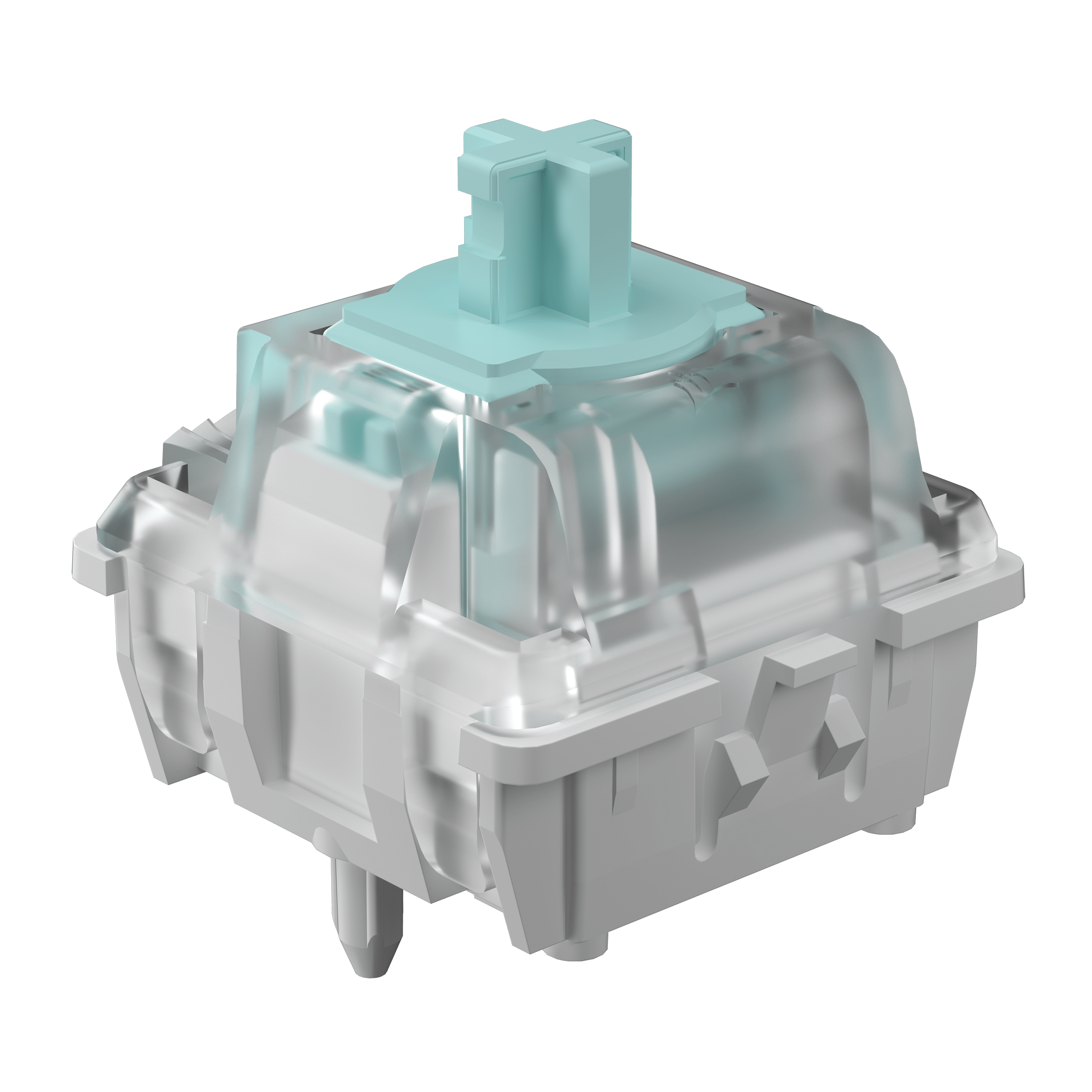
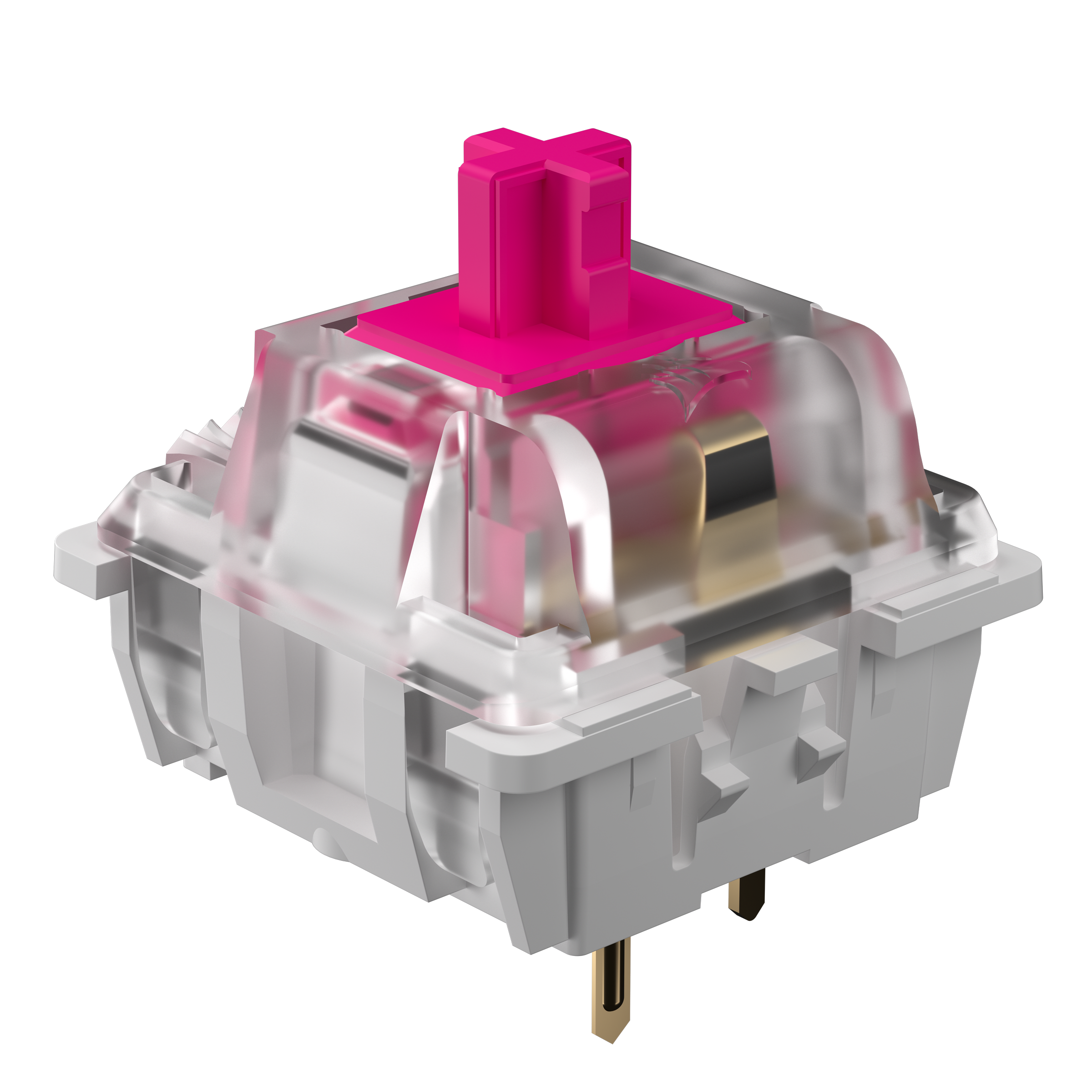
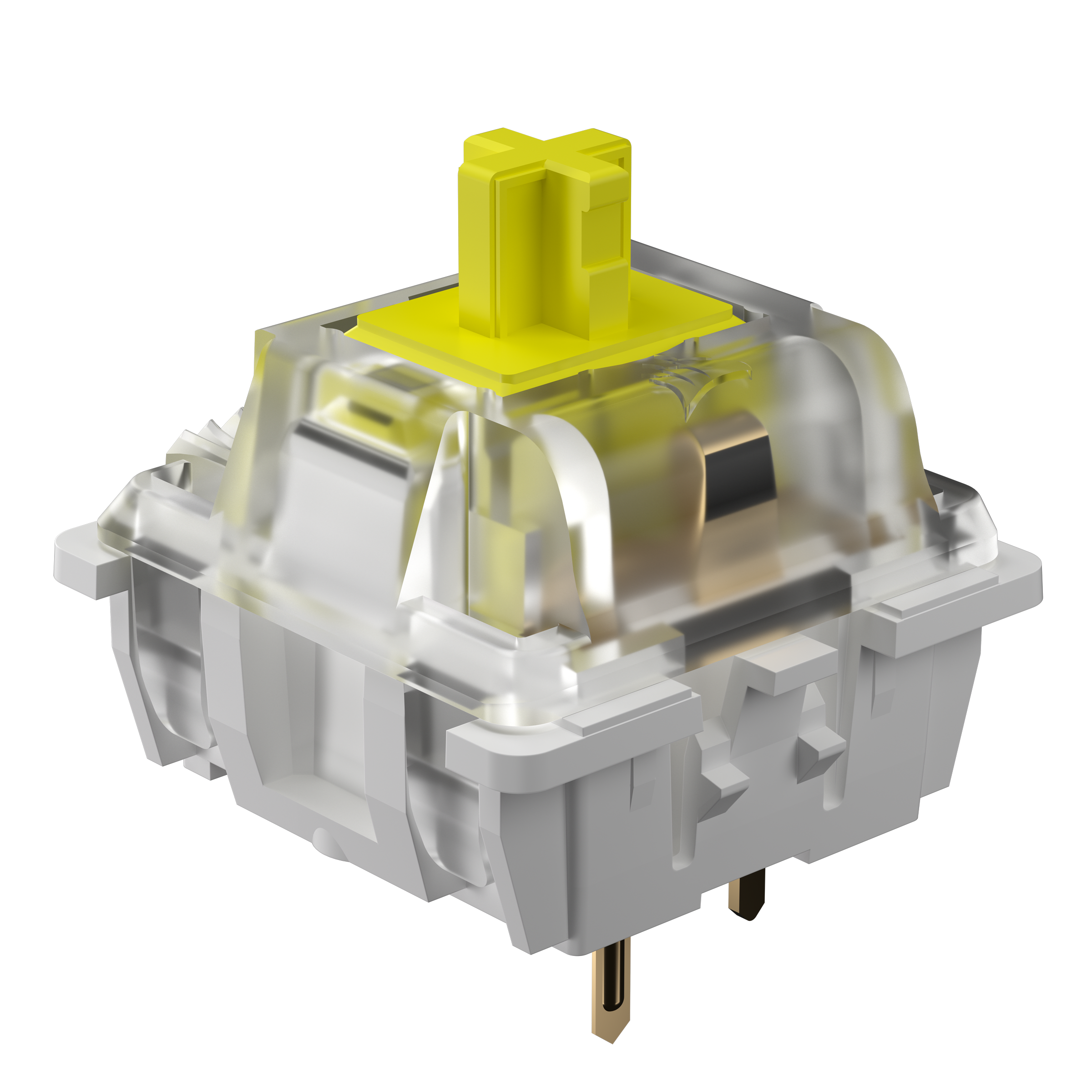
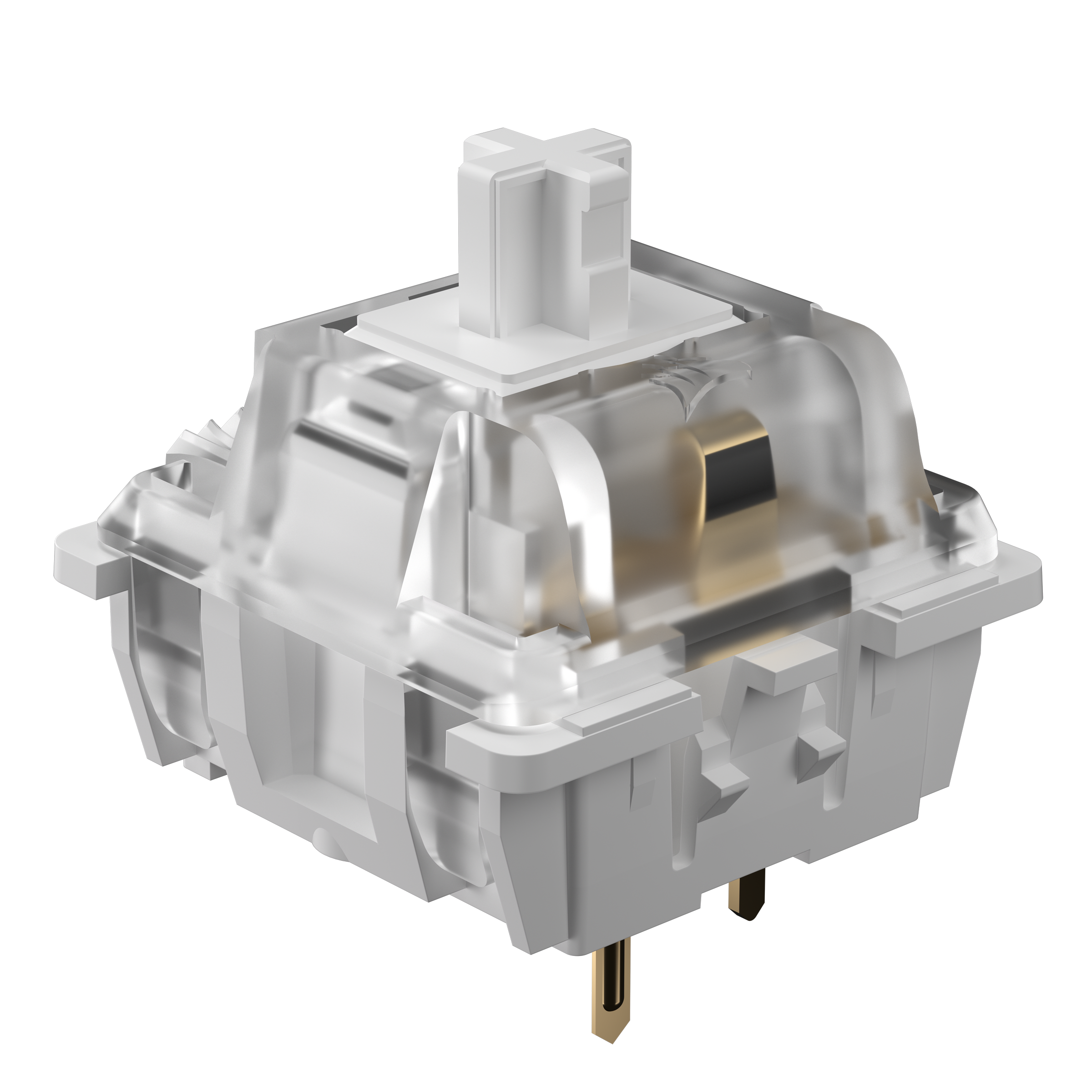
TYPES OF CORSAIR SWITCHES
CORSAIR TECH. CORSAIR QUALITY.
Introducing CORSAIR switches with premium touch and feel for all types of users.

PERFECT FOR CONTROL FREAKS
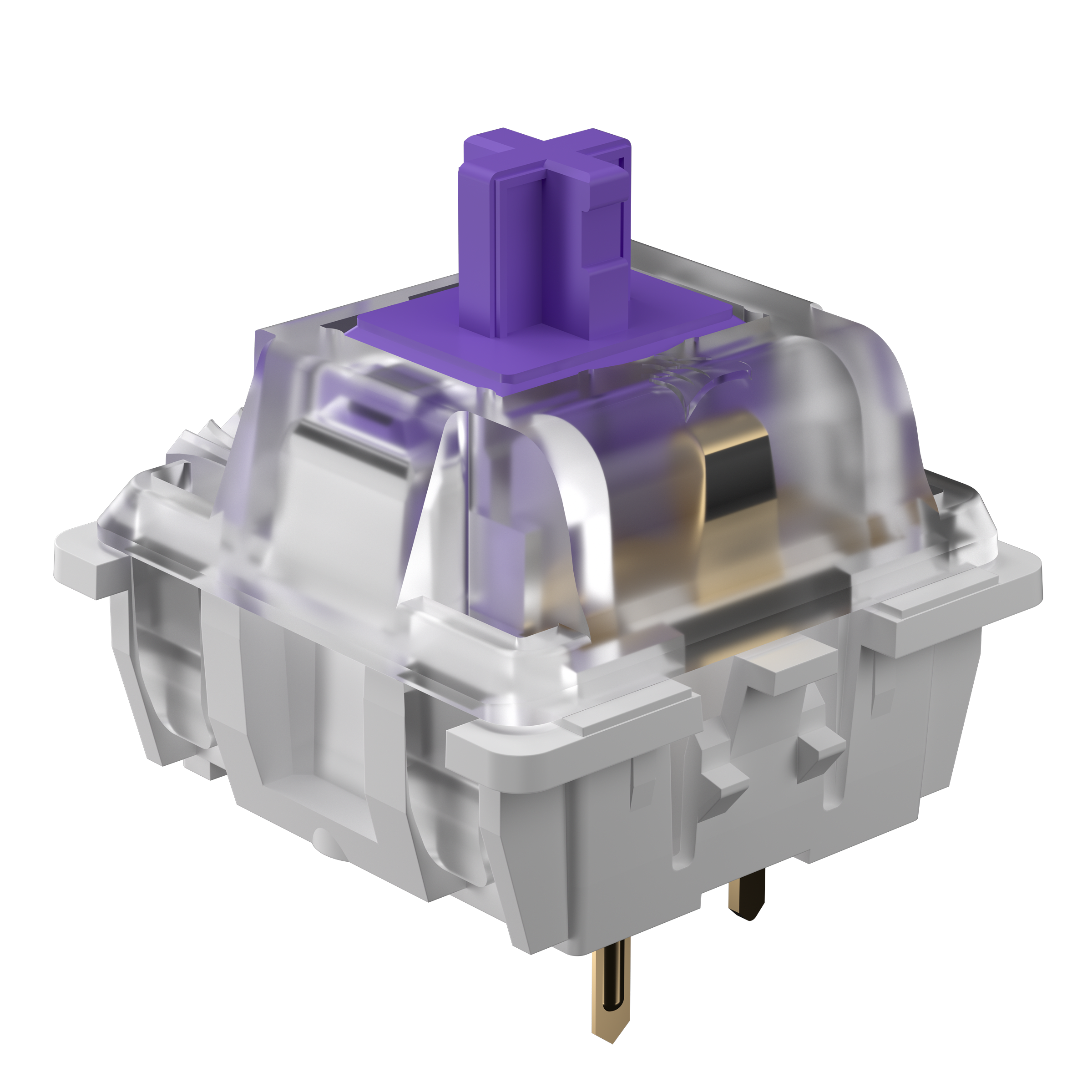
CORSAIR MAGNETIC SWITCH
Your keyboard is at your command. With adjustable actuation distance and dual-point actuation, MGX switches are the ultimate in keyboard customization.
Consistently smooth from initial contact to bottoming out, MGX switches can feel as fast or as robust as you like - that's the magic of magnetic switches.

PERFECT FOR FPS PLAYERS
CORSAIR OPTICAL SWITCH
Ultra-responsive OPX optical switches transmit inputs with laser-like speed. Play with nearly zero latency between your reaction time and the keypress registering.
Crisp and precise, OPX switches have a bright, poppy feel that encourages hyper-quick plays.

PERFECT FOR ALL-AROUND USERS
CORSAIR MECHANICAL SWITCHES
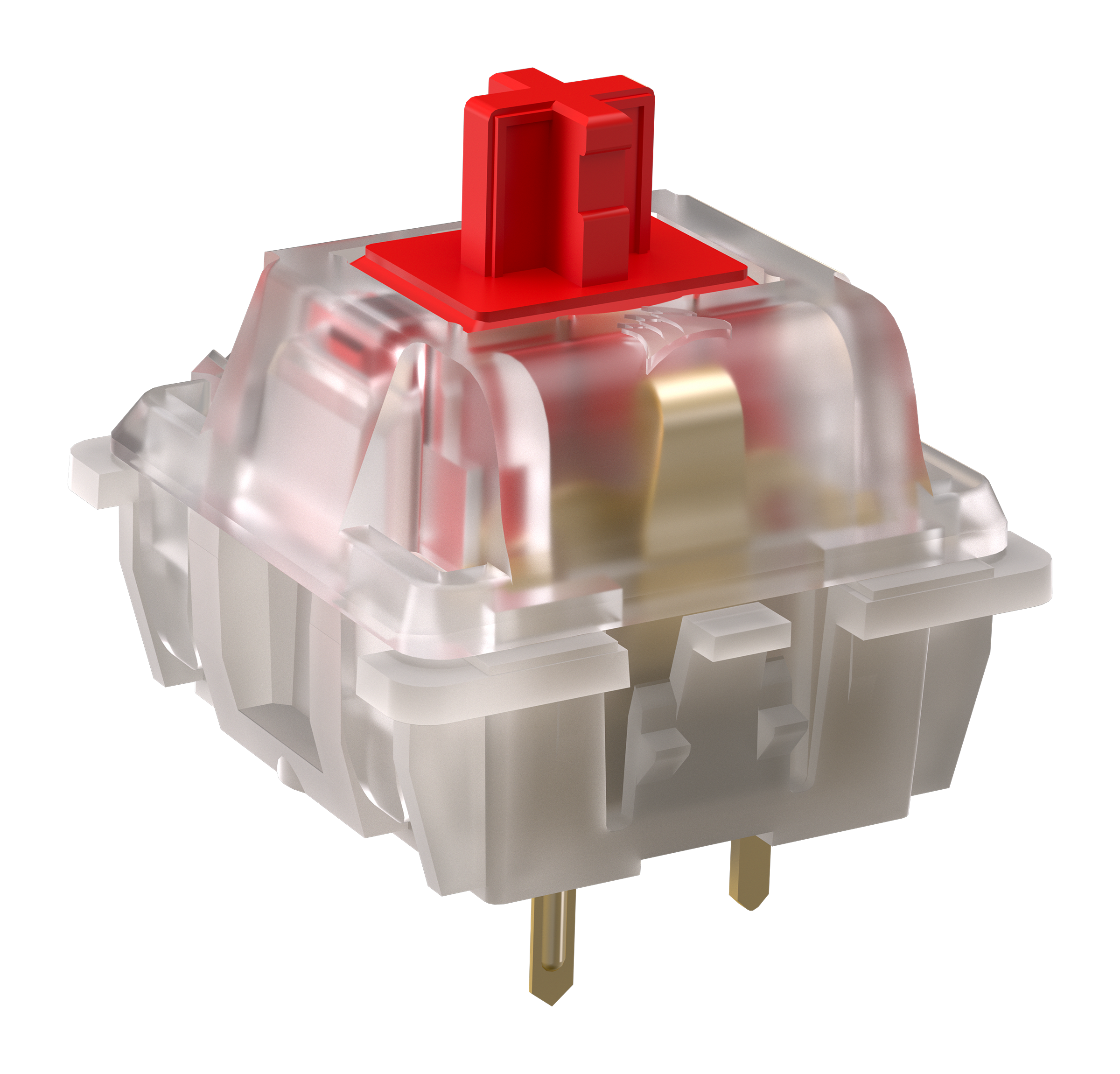
CORSAIR MLX Reds are what make a mechanical keyboard an unmissable experience. Feel the magic of mechanical switches.
Ultra-smooth and satisfying, MLX Red switches deliver an unmistakably effortless keypress that always gets your actions to the game in time.
ULTIMATE CONTROL WITH MGX
When every millisecond counts, your keyboard becomes more than just a tool — it's your weapon. Our technologies is engineered to give you the edge you need to dominate the competition.
CHECK OUT CORSAIR:EXPLORER FOR MORE chevron_rightRAPID TRIGGER
Rapid Trigger enables hyper-quick movements that simply aren't possible on conventional gaming keyboards.
With Rapid Trigger enabled, keys instantly reset the moment they travel upward. The result is faster and more precise actions, giving you a step over your opponents.
CUSTOM ACTUATION
Custom actuation enables you to set the point a keypress registers from 0.1 to 4.0mm, to personalize your typing experience from the lightest touch or the strongest keypress.
Whether you shorten the actuation distance for fast actions and commands, or lengthen it to increase typing accuracy, you decide how your keystrokes land.
*For optimal accuracy, the recommended range is 0.3mm-3.6mm. Setting the actuation outside the recommended range may result in higher sensitivity and affect consistency.
DUAL ACTUATION
Dual actuation allows you to assign two discrete actions to any key. Assign two spells for instant, satisfying, combos or switch between a walk and a sprint without needing a second key or modifier.
Dual actuation is only available on keyboards featuring magnetic switches, giving you the advantage in-game.
ALL THAT CORSAIR HAS TO OFFER
NEW SWITCHES